
Assess AI agents inherited through existing software by tracing their identity, permissions, data access, actions, and activity records—not by accepting the software vendor’s feature label. Separate what you can verify from what remains unread, then approve, restrict, or pause the agent according to its documented access and your customer’s requirements.
- An inherited ai agents security assessment must connect permissions, data access, and actions to dated evidence.
- Microsoft 365 consent records establish authorized access, not proof that an agent used it.
- SCOUTz supports MSP sales preparation with dated domain and Microsoft 365 evidence, not a replacement for judgment.
- Unread logs and inaccessible settings remain unknown; they are not evidence of safe operation.
How do you assess AI agents inherited through existing software?
Start with the existing application, identify the agent feature, and follow its access into your customer’s environment. Assess the capability separately from the application’s reputation. An established vendor relationship does not establish that a newly enabled agent fits the customer’s security requirements.
SCOUTz provides dated cybersecurity evidence and prospect intelligence for MSP sales preparation. The assessment process below applies that same discipline: establish the evidence, explain its meaning, and identify the proof needed before making a stronger claim.
Use these steps for a 2026 review:
- Identify the feature. Record the application, agent function, business owner, and whether the feature is enabled.
- Trace the identity. Establish which user, application, or service identity the agent uses.
- Read the permissions. Document granted access and distinguish it from permissions merely requested.
- Map the data. Identify accessible repositories, connected services, and documented processing boundaries.
- Check the actions. Separate reading and drafting from sending, editing, deleting, and executing.
- Review the evidence. Examine available settings, consent records, activity logs, and authorized tests.
- Record the decision. State the conditions for approval, restrictions, unresolved questions, and reassessment.
These steps describe an assessment procedure, not findings about any particular customer. Record the observation date and evidence source beside every actual finding.
Why this matters
An agent can arrive as a feature inside software your customer already uses. The purchasing decision and the security decision are separate: approval of the original application does not answer what the agent can access or do.
An MSP needs a defensible explanation, not a warning built around the word agent. The useful question is specific: does this capability have access or authority that the customer has not reviewed?
For a 2026 assessment, distinguish a vendor’s current documentation from the customer’s current configuration. Documentation describes supported behavior. Customer-authorized evidence establishes the settings and access you actually inspected.
Identify the feature before assigning risk
Write down what the agent is supposed to accomplish in business terms. Preparing a draft, retrieving records, and updating a connected system are different tasks. Avoid treating the word assistant as evidence that the feature cannot take actions.
Establish the business owner and the technical owner. The business owner explains the intended workflow; the technical owner identifies configuration, identities, and access controls. A feature without a named owner needs an ownership decision before the assessment can support approval.
Keep an explicit inventory entry:
- Application and agent feature name, copied from the software.
- Enabled status and the setting that establishes it.
- Intended task and authorized users.
- Connected services and identities.
- Evidence source, observation date, and assessment limits.
A vendor announcement is not proof of deployment. If you have documentation but cannot inspect the customer’s configuration, record deployment status as unknown. Do not describe the agent as active simply because the vendor offers it.
Compare the access models you actually find
The agent’s access model determines which evidence you need. A user-facing interface does not establish that every background operation runs with that user’s permissions.
| Access model | Best for | Useful boundary | Assessment limitation |
|---|---|---|---|
| Delegated user access | Workflows intended to operate on behalf of a signed-in user | Access depends on granted permissions and the user’s access | You still need to inspect scopes, user privileges, and the actual workflow |
| Application access | Approved background workflows without a signed-in user | Application permissions can be reviewed separately from an individual user | Access is not necessarily limited by the privileges of the person using the interface |
| Vendor-side connection | Workflows hosted within an existing software service | Vendor configuration and documentation establish part of the review | Tenant evidence alone does not establish everything happening inside the vendor’s service |
These are assessment categories, not product recommendations. An agent can use more than one model, so follow each connection rather than assigning one label to the whole application.
What should I inspect in Microsoft 365?
For Microsoft 365, inspect the relevant enterprise application or service principal, granted permissions, consent records, and available activity records through customer-authorized access. Distinguish delegated permissions from application permissions; they establish different access boundaries.
Record which permissions are granted and what resource they cover. A permission name is not a complete explanation: identify whether the access concerns mail, files, directory information, or another resource, and whether restrictions apply.
Consent establishes authorization, not execution. A granted permission does not prove that an agent read a mailbox, changed a file, or performed any other action. Those claims need activity evidence appropriate to the action.
Map data access and action authority separately
Create a simple map from the agent to its connected resources. For each connection, document the identity, permitted data, allowed actions, and evidence supporting the entry. Keep unread connections visible instead of dropping them from the map.
Data access asks what information the agent can retrieve. Action authority asks what it can change or initiate. An assessment that records only data access misses the difference between producing a suggestion and carrying it out.
Ask concrete questions:
- Can the agent access only selected content, or a broader repository?
- Does it operate under the initiating user’s identity or another identity?
- Can it send communications or modify records?
- Does an approval requirement cover every relevant action?
- Are outputs passed to another application with additional authority?
- What evidence establishes each answer?
For a 2026 review, inspect the configured workflow rather than relying on an older approval description. If an approval control is documented but not inspected or tested, identify it as documented—not verified.
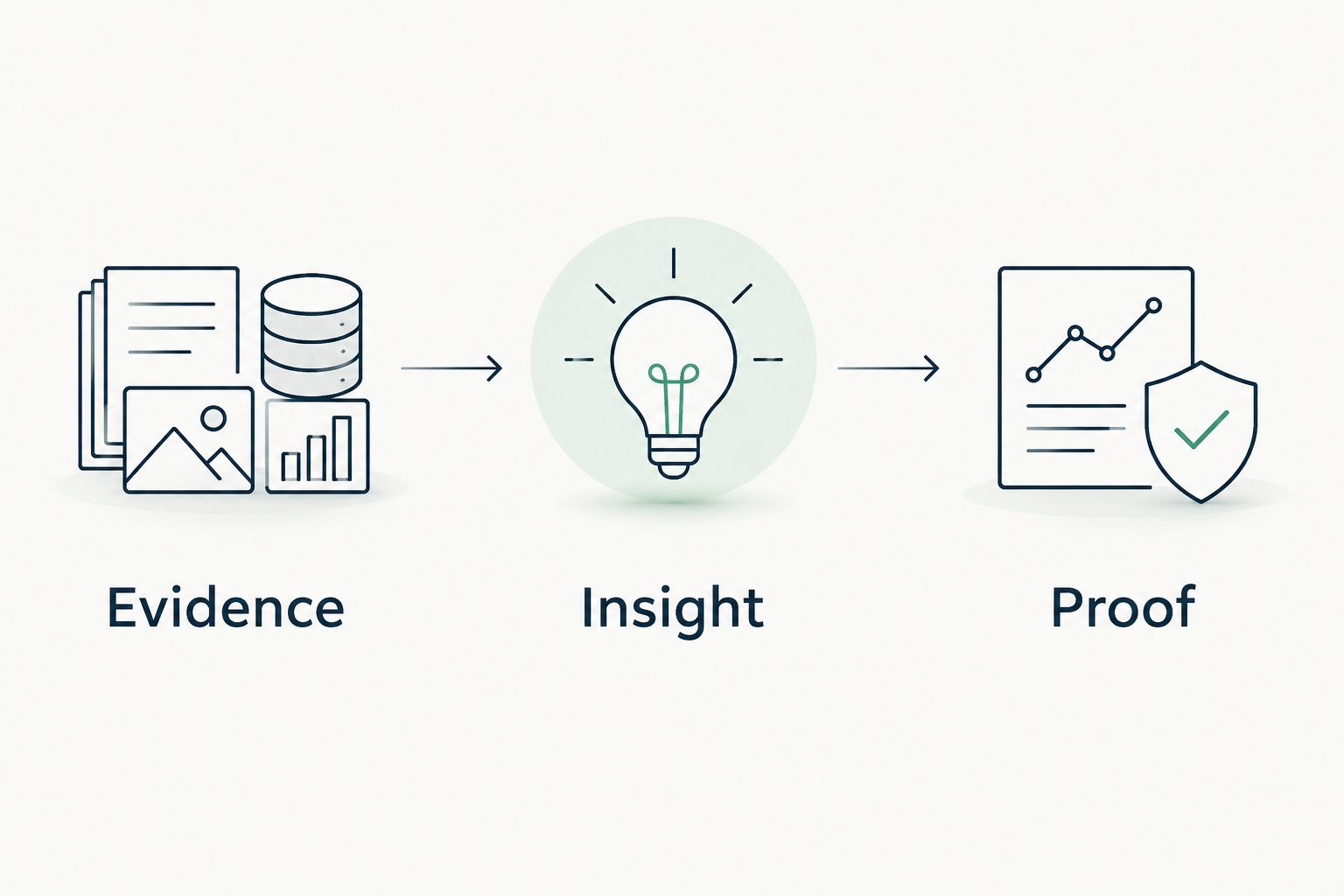
Use evidence, insight, and proof
Each assessment entry should separate the observation from its interpretation and the next verification step. This keeps a technical finding from becoming an unsupported business claim.
Evidence
State what the source establishes. A hypothetical entry could describe a granted application permission visible in a customer-authorized Microsoft 365 review. The actual assessment must include its observation date, affected application, resource, and collection limits.
Public-domain evidence belongs in a different category. Public DNS records or published vendor documentation do not establish private tenant permissions, agent deployment, or customer activity.
Insight
Explain the relevant consequence without claiming it happened. A permission that authorizes writing deserves an action-control review; it does not establish that a write occurred. A missing activity record in the material reviewed does not establish that no activity occurred elsewhere.
Proof
Name the evidence needed to resolve the question. That could be a configuration inspection, an appropriate activity record, a vendor response, or a customer-authorized test. Define what the result would establish before collecting it.
Keep the original evidence alongside the interpretation. Your customer should be able to inspect the basis for the decision without accepting your summary on trust.
Why assessment depth varies
An inherited agent assessment needs more or less investigation according to its actual access and workflow—not the prominence of its vendor’s branding.
- Permission scope: broader authorized access requires a broader review of affected resources.
- Action authority: sending, editing, or deleting requires checks beyond reading and drafting.
- Identity model: user access and application access require different permission analysis.
- Data boundaries: additional connected services add evidence sources and processing questions.
- Approval controls: documented approval and verified approval are different evidence states.
- Evidence visibility: inaccessible settings or unread logs leave parts of the assessment unresolved.
For your 2026 assessment record, state which of these factors you inspected. Do not compress several unknowns into a reassuring overall label.
Verify controls without creating a new exposure
Use customer-authorized tests with defined scope and non-sensitive test material. Agree on the accounts, connected resources, permitted actions, and stopping conditions before testing. Do not use a live customer workflow as an improvised experiment.
Where authorized, check whether access restrictions and action approvals behave as documented. Include a negative test: attempt an operation that the configured control is supposed to prevent. Record the result and the conditions under which it occurred.
Review how the workflow handles untrusted content. Instructions embedded in retrieved documents or messages create a different question from instructions supplied by an authorized user. Inspect or test the relevant boundary without assuming that every agent has the same protection.
A successful test proves the observed result under the tested conditions. It does not prove every possible workflow is safe. If a control cannot be tested within the agreed scope, preserve that limitation in the decision.
Make the decision usable for the customer
Give the customer a decision tied to evidence and conditions. Approve the documented workflow, restrict specific access, or pause approval until a named question is resolved. Avoid an unqualified safe or unsafe label.
A useful decision record includes:
- The approved business task and responsible owner.
- Inspected identities, permissions, and connected resources.
- Controls verified and controls documented but unverified.
- Unknown evidence and its effect on the decision.
- Required changes and the evidence needed to confirm them.
- Events that trigger reassessment.
Changes to permissions, connections, action capabilities, or ownership are reasons to revisit the assessment. A 2026 sign-off should not silently cover a later workflow with different access.
SCOUTz is best for MSPs preparing sales conversations with dated domain and Microsoft 365 evidence. Its stated role supports sales preparation; it does not replace MSP judgment or establish every behavior inside an agent’s vendor-hosted service. Keep any proposal within the evidence available.
For MSPs considering that evidence-led approach, Join Open Beta is the primary next step. Keep the service conversation equally specific: name the review, the customer authorization required, and the decision it will support—not an assumed breach or promised sales result.
Can I assess an inherited agent without tenant access?
Without customer-authorized tenant access, you can review public evidence and vendor documentation, but you cannot verify private Microsoft 365 configuration. Separate that preliminary review from a tenant assessment. Ask for authorized access before making claims about granted permissions or deployment.
Does an existing software approval cover its new agent?
An existing software approval does not establish approval of new agent capabilities. Compare the approved scope with the feature’s identity, permissions, data access, and actions. Preserve the original approval while documenting the additional decision.
Should I disable every agent until it is assessed?
A blanket disablement is not a substitute for an assessment. Follow the customer’s policy and authorized decision process, then restrict or pause the specific workflow when its required controls or approval conditions are unresolved. Explain the evidence behind that decision.
FAQ
What's the first step in an inherited AI agents security assessment?
Identify the agent feature and verify whether it is enabled. Record the application, intended task, owner, observation date, and evidence source before assessing access.
Can public-domain evidence show what an agent accesses in Microsoft 365?
Public-domain evidence does not establish an agent’s private Microsoft 365 access. Customer-authorized tenant evidence is needed to inspect relevant identities, granted permissions, and available activity records.
Does admin consent prove that an agent used customer data?
Admin consent does not prove that an agent used customer data. Consent establishes granted authorization; a claim about actual use requires appropriate activity evidence.
How do I check whether an agent can take actions?
Inspect the workflow’s granted permissions, action settings, and approval controls. Where authorized, test the relevant behavior with non-sensitive material and record the test’s limits.
What should I do when agent logs are unavailable?
Record unavailable logs as unknown evidence, not proof of inactivity. State which claims you cannot verify and what additional evidence the approval decision requires.
Can SCOUTz replace an MSP’s agent security assessment?
SCOUTz does not replace MSP judgment. Its stated role is dated domain and Microsoft 365 evidence for prospect intelligence and sales preparation, not proof of every agent’s behavior.
When should I repeat an inherited agent assessment?
Repeat the relevant assessment when identities, permissions, connections, action capabilities, or ownership change. Recheck the affected evidence instead of carrying the previous approval into a different workflow.
One last thing
Separate capability from activity in every finding. What an agent is authorized to do, what it did, and what you could not observe belong in different statements. That distinction makes an assessment useful in a proposal or QBR without turning permission evidence into an incident claim.