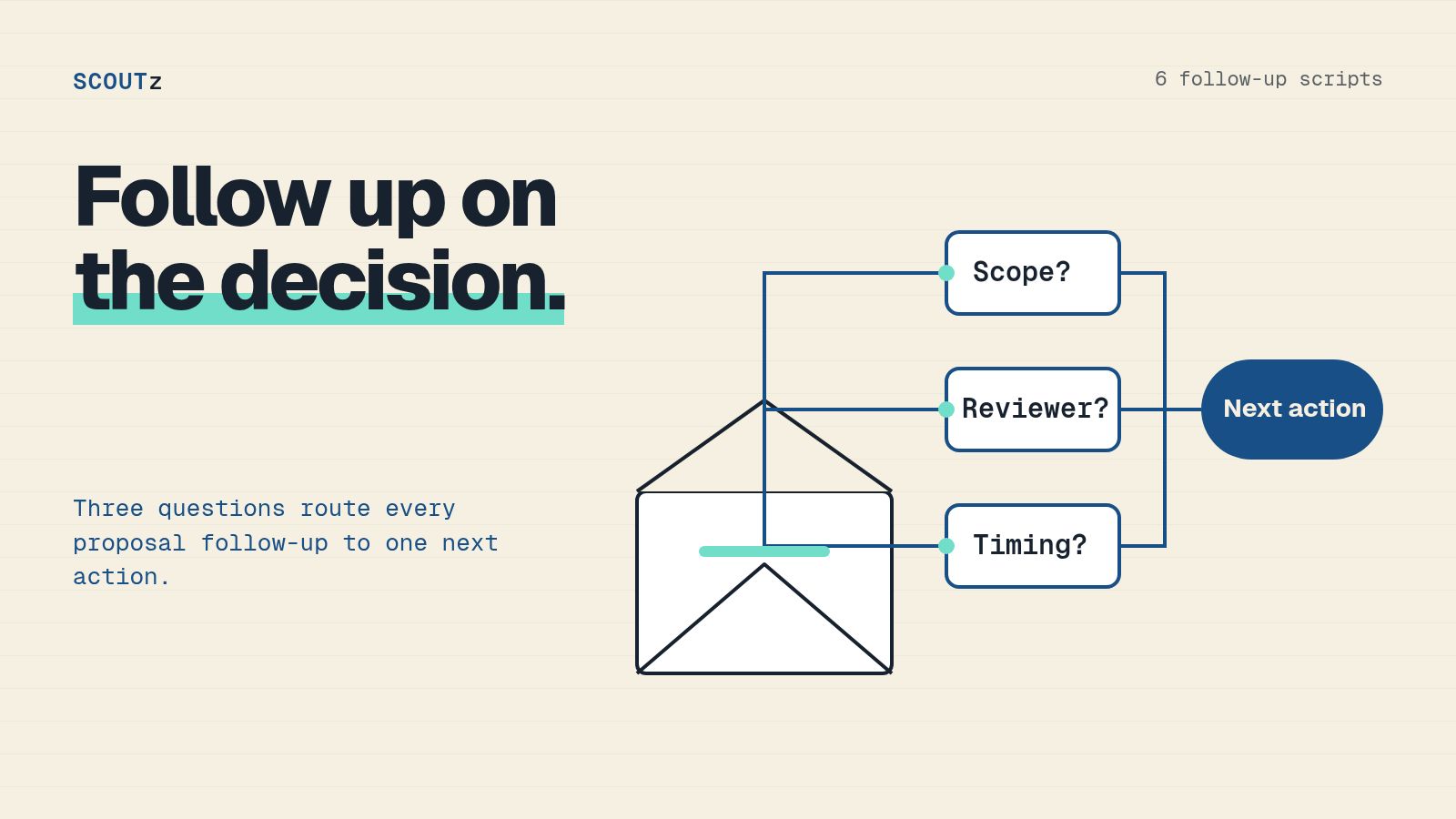
Effective MSP proposal follow-up emails name the buyer's unresolved decision, attach the relevant evidence and request a specific next step. Send a message appropriate to the obstacle: unclear scope, a missing technical reviewer, agreed timing or a decision to stop. A report opening is an activity record, not evidence that the buyer agreed.
- MSP proposal follow-up emails should resolve a decision rather than repeat a request for attention.
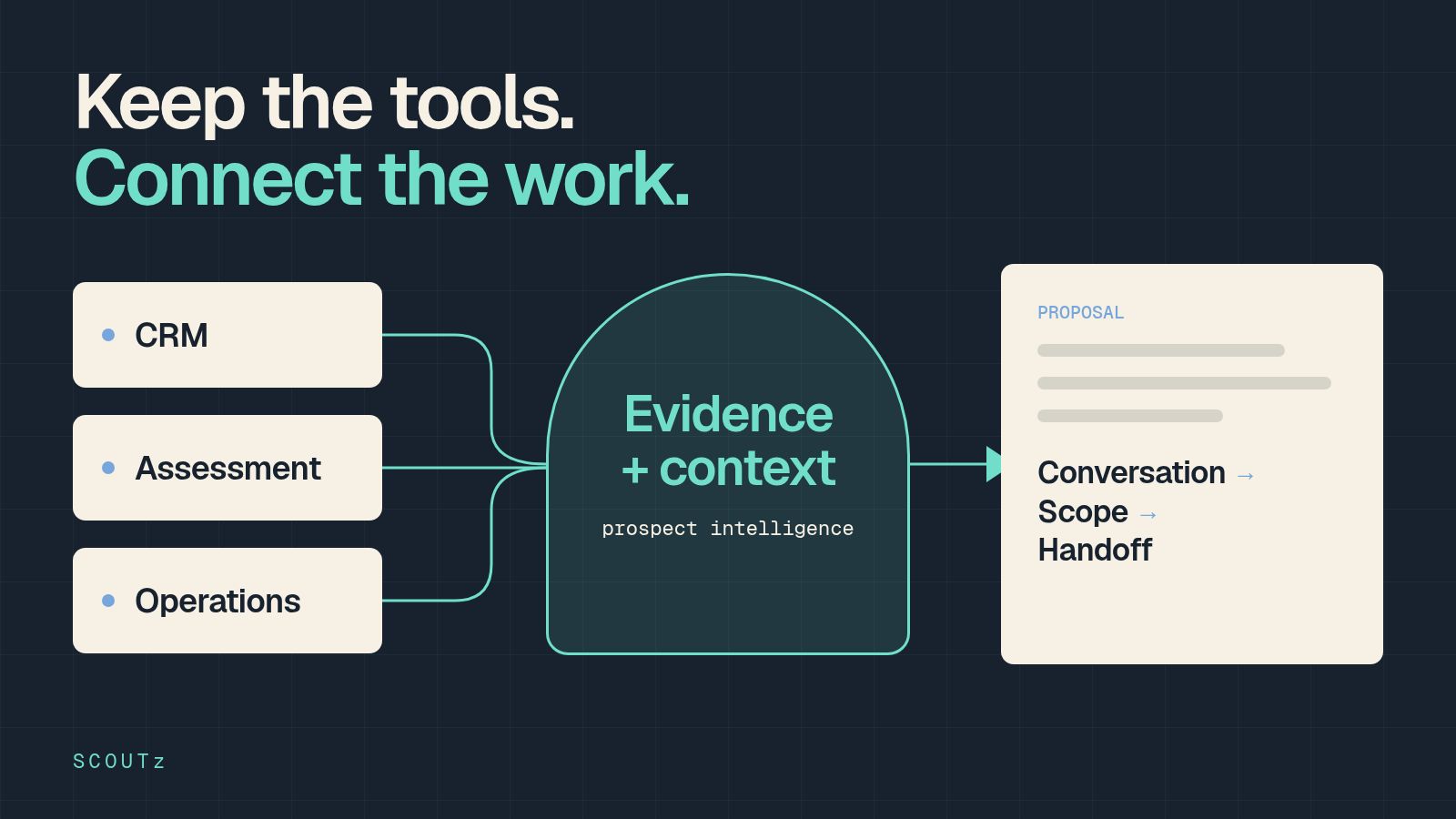
- SCOUTz cybersecurity prospect intelligence keeps dated findings and report context available for proposal discussions.
- Use Evidence-to-Agreement to connect the buyer's priority, supporting evidence, proposed scope and next commitment.
- The scripts below are illustrative writing patterns, not customer messages or measured sales results.
The SCOUTz reporting workflow includes a Win the deal Report Play and shared-report opening records. Use the available evidence to prepare the message, then choose the audience, timing and request yourself.
Why This Matters
A proposal can contain a complete service description while leaving the buyer unsure what to decide. Another reminder of the attachment does not resolve that gap.
Before following up, locate the unresolved decision. The buyer might need to understand the scope, obtain technical validation, establish authority or decide that no change is required. Those situations need different messages. Treat silence as unknown until the buyer provides context.
MSP Proposal Follow-Up Emails by Decision
Choose the message by the obstacle the buyer actually identified. If no obstacle was established, ask a neutral clarification question instead of guessing the reason for silence.
| Confirmed Situation | Message Purpose | Appropriate Request |
|---|---|---|
| Scope remains unclear | Explain the work and exclusions | Review the disputed scope item |
| Technical validation is pending | Bring the reviewer into the evidence | Arrange a focused technical review |
| Buyer named a timing trigger | Revisit that agreed decision point | Confirm whether timing still applies |
| Another offer is being considered | Make the comparison inspectable | Compare confirmed commitments |
| Buyer has not named the next action | Clarify whether a decision remains open | Continue, pause or stop |
| Work has been approved | Preserve the agreement through handoff | Confirm delivery ownership and prerequisites |
This is a suggested decision map for your 2026 sales process. It is not an automated sequence or a prescribed sending cadence.
Use Evidence-to-Agreement Before Writing
SCOUTz's Evidence-to-Agreement Framework has four stages: Find the decision, Bring the evidence, Build the scope and Earn the next commitment. In follow-up, apply the stages to the current obstacle rather than restarting discovery.
Find the decision: record the last issue the buyer said remained open. Bring the evidence: identify the dated finding or agreed account context relevant to that issue. Build the scope: show how the proposed work answers it. Earn the next commitment: request the action needed to make the decision.
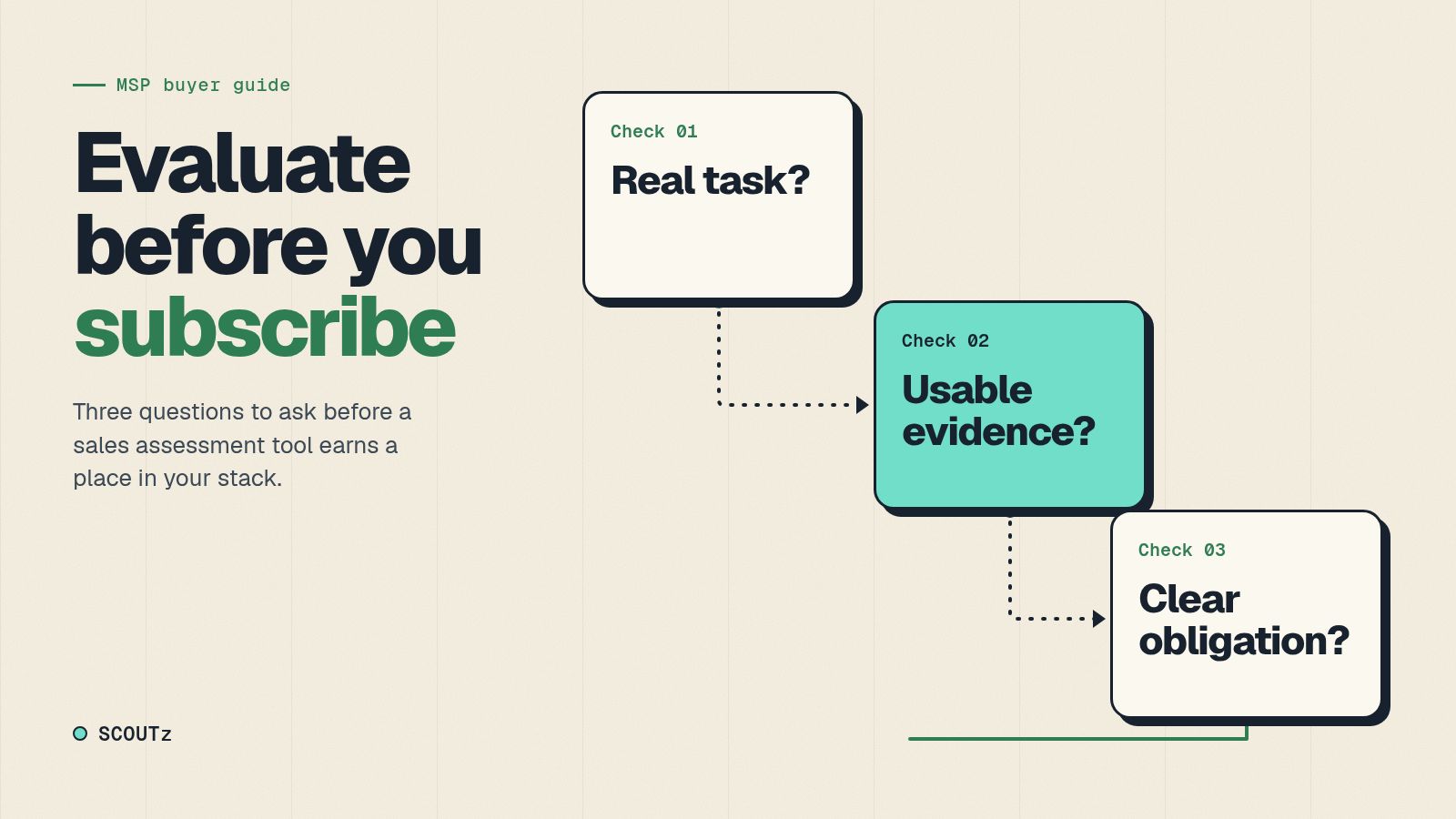
Use three checks before sending: the message refers to a real conversation, its technical claim is traceable and the requested action has a purpose. If one is missing, repair the brief first.
SCOUTz cybersecurity prospect intelligence supports the evidence portion. Relationship ownership, accurate commitments and a suitable follow-up remain the MSP's work.
Email 1: Clarify the Scope Behind the Proposal
Use this when the buyer has asked what the work includes or why a particular item is proposed. The draft below is illustrative. Replace the observation and commitment with verified account facts before sending.
Suggested subject: The decision behind the proposed review
You asked us to establish who owns the published email policy and what completion evidence you should receive. The report records the public observation and its date. It does not establish the internal control or require a particular change.
The proposed review would confirm the intended state and accountable owner. Implementation would follow only under an agreed scope and approval.
Would a scope review with your technical owner resolve the remaining question, or is a different part of the proposal unclear?
The message connects the requested work to the buyer's stated objective. It avoids turning the report into a reason to purchase unrelated services.
Attach or share only the material appropriate to the recipient. An owner-facing explanation should preserve the finding's boundary even when it omits technical detail.
Email 2: Bring in the Technical Reviewer
Use this after the buyer identifies someone who must validate the recommendation. Ask for an introduction rather than contacting that person around the original buyer.
Suggested subject: Evidence for the technical review
You mentioned that your technical owner needs to validate the proposed work. We can review the dated observation, its source and the conditions the current review could not establish.
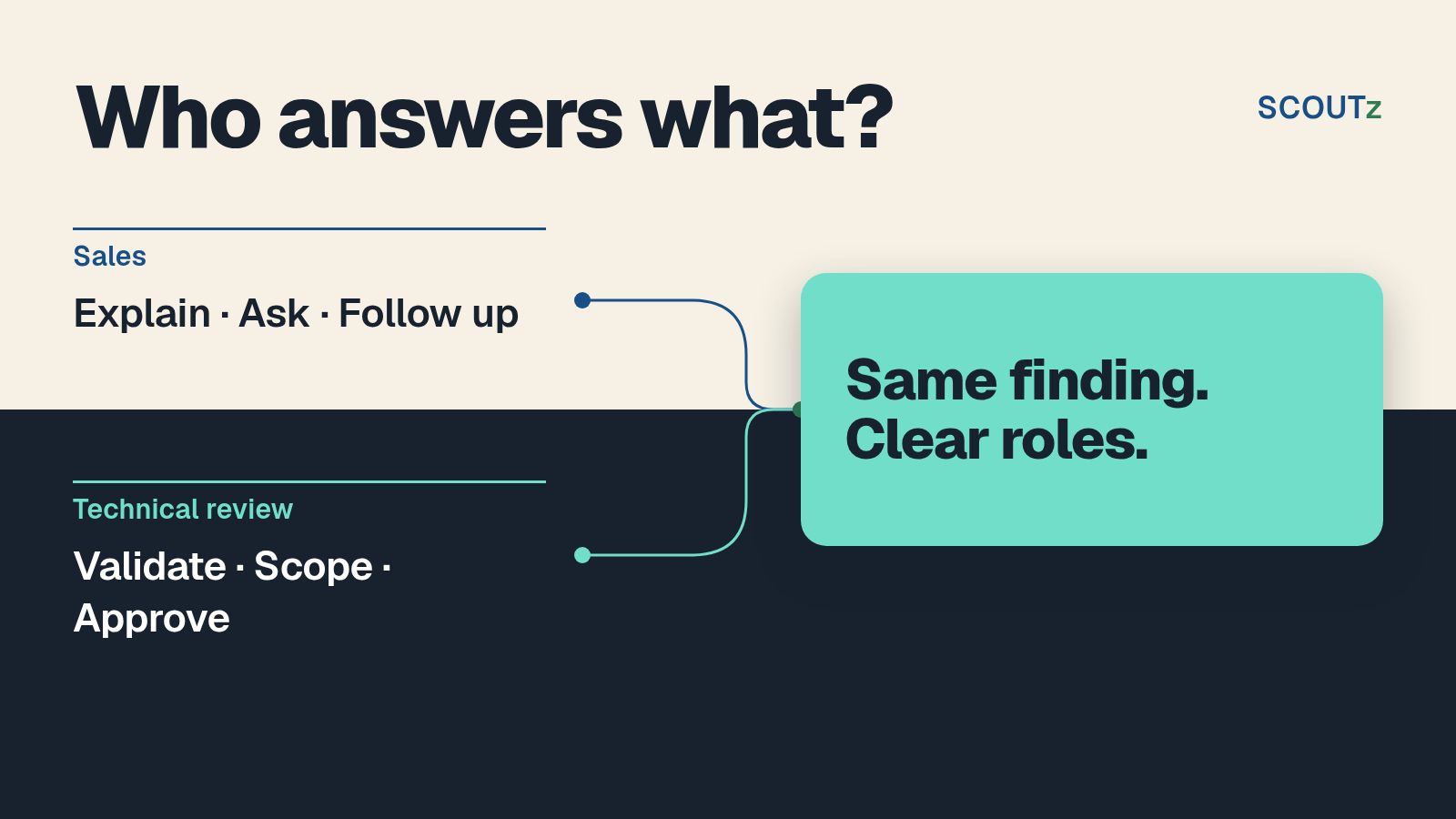
The owner-facing report explains the decision. The technical material provides the supporting detail for an appropriate reviewer.
Would you introduce the person who should review the evidence with us? We can agree the specific question before scheduling the session.
Prepare a narrow agenda: establish the observation, confirm the intended state and decide whether more investigation is warranted. A general product demonstration can wait if it does not answer the pending question.
For a 2026 technical handoff, record what the reviewer confirmed and what remains unknown. A meeting attendance record is not approval of the proposal.
Email 3: Revisit a Timing Trigger the Buyer Named
Use this only when the buyer supplied the date or event. A public expansion announcement does not establish a private budget cycle or a decision to replace IT support.
Suggested subject: Returning to the review you asked us to revisit
You asked us to return to this discussion when your planning decision became active. The proposal addresses the outcome we discussed, with its scope and exclusions recorded.
Before relying on the earlier report, we should confirm whether the evidence and your requirements are still current.
Is this the right time to review the decision, or should we leave it paused?
If the underlying evidence has expired or the environment changed, arrange an appropriate refresh before repeating the claim. Date the new observation separately from the earlier record.
Do not add urgency by predicting a breach during the delay. Timing belongs to the buyer unless there is specific, substantiated information requiring a different conversation.
Email 4: Make the Competing Offer Comparable
Use this when the buyer has identified another offer and wants to compare. Request only information they can appropriately share.
Suggested subject: Comparing the commitments before you choose
You said the other offer appears to cover the same requirement. Our proposal states the review, any included implementation and the evidence you receive after completion.
I do not know whether the other offer makes the same commitments. We can compare the confirmed scope without assuming that a lower fee means something is missing.
Would it help to review the outcome, exclusions and verification together before you decide?
A fair comparison can show that the offers are equivalent or that your broader scope is unnecessary. Keep that result available. The objective is a justified decision, not a comparison engineered to favor your proposal.
If the concern is affordability rather than scope, discuss that constraint directly. Evidence does not create a budget the buyer does not have.
Email 5: Offer a Clear Pause or Stop
Use this when a decision remains unresolved and the buyer has not agreed to another action. Respect an opt-out or an instruction to stop; this pattern is not permission for repeated chasing.
Suggested subject: Continue the review or leave it paused
We have not agreed the next step on the proposal. The last open question was whether the defined review would help you decide on the work.
If that question still matters, we can arrange the relevant review. If your priorities changed or you selected another route, we can close this discussion.
Which reflects your decision: continue the review, pause it or stop?
Use the buyer's actual unresolved question in place of the generic wording. Never imply that withdrawing the proposal changes the security state of their business.
This gives the buyer a genuine exit. Record the response as stated, rather than converting a pause into a buying signal.
Email 6: Move an Approved Proposal Into Delivery
Use this after approval under your actual contracting process. An opened proposal or a friendly reply is not the same thing as an accepted agreement.
Suggested subject: Confirming the approved scope and delivery owner
The approved scope covers the work in the agreed version of the proposal. We will retain the dated evidence and unresolved questions for the delivery review.
Before changes begin, the responsible team needs to confirm the authorized systems, prerequisites and approval process. Completion will be assessed against the agreed acceptance condition.
Please confirm who will coordinate those items with our delivery owner.
Use this message to preserve the same truth across sales and engineering. Do not imply that purchasing a review authorizes later configuration changes or includes every remediation recommendation.
A Worked Follow-Up Decision
Illustrative 2026 scenario: a buyer received a public-domain report and a proposal to investigate an ownership question. The shared report link has several recorded opens. The buyer has not replied.
The opening record does not identify the person who opened the link, their location, their comprehension or their intent. Your own previews are excluded by the stated product workflow. The correct next message depends on the last agreed decision, not the number of openings.
If the buyer previously requested technical validation, use Email 2. If the buyer requested a later planning discussion, use Email 3 when appropriate. If neither condition is established, send a neutral clarification of the next decision or leave the opportunity paused under your agreed process.
Do not write that you saw the owner reading the report. That claim exceeds the evidence and distracts from the work the buyer was considering.
Keep Report Activity Separate From Buyer Agreement
The reporting page checked October 24, 2026, states that shared-report tracking records whether a link opened, how often and when. It does not show who opened it or where they were. Report opening is a process cue.
Keep these records separate:
- Report activity: the recorded opening event.
- Buyer statement: what a named person actually told you.
- Technical validation: what an authorized reviewer established.
- Commercial agreement: the accepted scope and terms.
The First meeting, Win the deal, Onboard and QBR Report Plays organize material for different stages. The visual Report Studio remains in validation. Base the follow-up on the available reports and the evidence their scan read.
Refresh Claims Before Reusing Them
A retained report preserves an earlier observation. It does not automatically establish the current state. Check the run date and any stated expiry before reusing a finding in a new message.
Public-domain evidence stays distinct from customer-authorized read-only Microsoft 365 configuration and metadata evidence. The internal review excludes message bodies, files, chats, documents and prompts. Unread sources remain unknown.
Your 2026 follow-up record should identify which report version supported the message. If the buyer supplies new context, attribute it to the buyer until independently verified. This makes the next technical review easier to prepare and protects the agreement from accumulating unsupported assumptions.
FAQ
What should MSP proposal follow-up emails say?
Name the unresolved decision, connect it to the relevant evidence and request the action required to resolve it. Adapt the message to the obstacle the buyer actually identified.
How often should an MSP follow up on a proposal?
Use the timing agreed with the buyer and your applicable outreach obligations. This guide does not establish a universal sending cadence; an opt-out or instruction to stop must be respected.
Does a SCOUTz report opening show buying intent?
No. Shared-report tracking records opening activity, frequency and time, but it does not identify the reader or establish agreement or buying intent.
What should an MSP do when a proposal needs technical approval?
Ask the buyer to introduce the appropriate reviewer and agree the question to resolve. Provide audience-appropriate evidence with its source, date and coverage limits.
Does SCOUTz send proposal follow-up emails?
SCOUTz prepares evidence and reporting context for the MSP's follow-up. The MSP selects the message, audience, timing and relationship action; this guide describes no automated sending integration.
When should an MSP stop following up?
Stop when the buyer requests it or the agreed process ends. If no next action is agreed, offer a clear choice to continue, pause or stop rather than inventing urgency.
One Last Thing
The best follow-up can be shorter than the proposal because it has a narrower job. Resolve the next decision, preserve the evidence and let the buyer choose. Evaluate the method against your actual 2026 opportunities rather than an assumed improvement in replies or close rates.
Bring a real stalled proposal to Join Open Beta and evaluate the SCOUTz evidence-to-follow-up workflow.