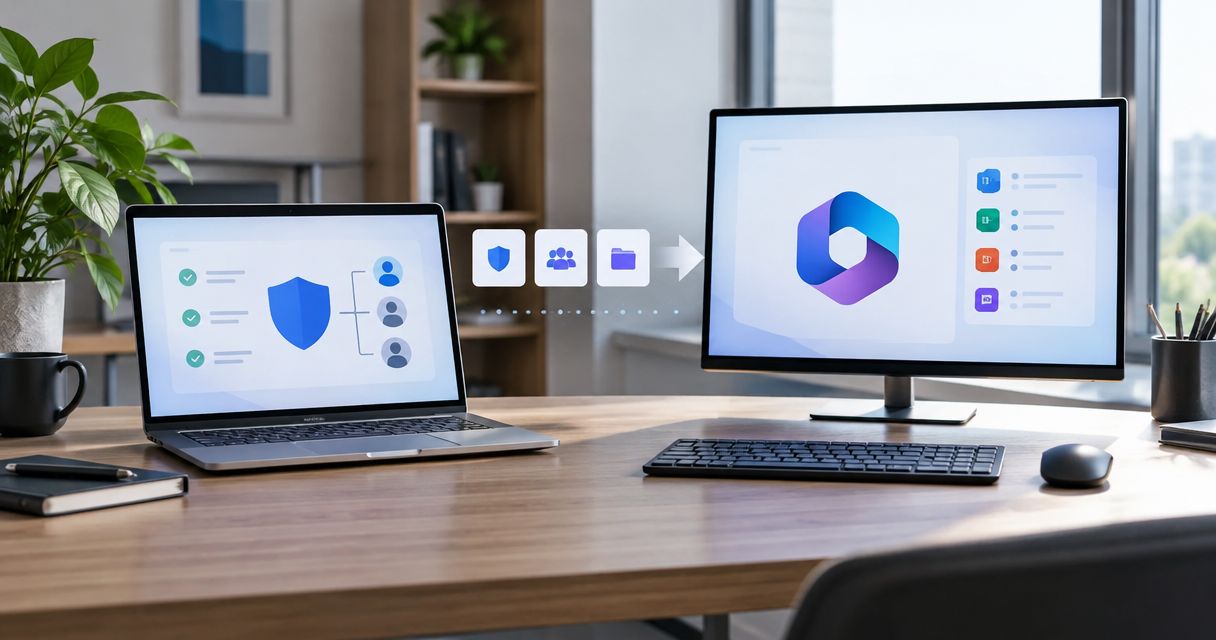
Instead of rebuilding security findings into a sales document for every meeting, use a reviewed evidence reports white label deliverable workflow that carries source, date, limits and an agreed next action into your MSP-branded report. Separate public-domain observations from customer-authorized Microsoft 365 evidence, then approve the claims before sharing.
- SCOUTz suits MSPs preparing evidence-led security conversations; white-label reports still need human approval.
- An evidence reports white label deliverable must preserve check names, run dates, coverage limits and ownership.
- Keep public-domain observations separate from customer-authorized Microsoft 365 configuration evidence.
- Use a pinned baseline and comparable rescan to show what changed.
Why this matters
White labeling changes whose name appears on the report. It leaves the evidence boundary unchanged. A business owner receiving your MSP's document needs to distinguish an observed condition from an interpretation and a proposed service.
SCOUTz is best for MSPs that need dated cybersecurity prospect intelligence before a sales conversation. The platform prepares that conversation; your MSP owns the interpretation, relationship and sale.
Start with validating security assessment findings before a call. A finding that cannot survive technical review should stay out of the client-facing claim.
The client's October 15, 2026 product reference places Evidence Reports / Studio + Reports in Open Beta. Treat the following as a review-and-handoff procedure rather than a verified sequence of interface buttons or an automatic publishing integration.
Before you start
- Gather access to the relevant account evidence, the report experience provisioned for your workspace and your approved MSP identity materials. Assign a technical reviewer and a client-facing owner.
- Confirm the assessment boundary. Public-domain review and customer-authorized, read-only Microsoft 365 review require different descriptions of scope. Microsoft 365 evidence covers configuration and metadata, never mail, files, chats, documents or prompts.
- Preserve non-reads before editing. An unavailable source belongs under NOT ASSESSED THIS SCAN; removing it during report cleanup turns an explicit limitation into a misleading omission.
Choose 1 account per deliverable as an editorial safeguard. Check the domain, tenant identity where applicable, intended recipient and evidence run before combining any material. A prospect's trading name alone is insufficient to establish that every attached domain or tenant belongs in scope.
Evidence scope and baseline
Establish the evidence lanes
- Record the business decision the meeting should support. Examples include authorizing a deeper review, confirming ownership of an email-security policy or agreeing to investigate a specific condition.
- Separate the report into 2 evidence lanes: public-domain observations and consented internal evidence. Keep source and collection date attached to each finding.
- Preserve the affected object, check name, observed condition and unknowns. Carry the exact evidence state forward rather than replacing it with a stronger sales description.
- Record coverage separately from evidence state. Assessed, Partial, Not assessed, Permission limited and License limited describe coverage; they are not severity ratings.
Expected result: a reviewer can identify what ran, when it ran and what remained outside the review without asking the salesperson to reconstruct the scan.
Use this comparison to choose the appropriate scope for the report. These are evidence options, not interchangeable levels of assurance.
| Evidence option | Best for | Strength | Limitation |
|---|---|---|---|
| Public-domain review | Preparing questions about externally observable domain conditions | Supports a conversation from public observations | Cannot establish Conditional Access coverage, application permissions or tenant sharing configuration |
| Customer-authorized Microsoft 365 review | Discussing tenant configuration with permission | Adds internal configuration and metadata evidence | Permission and license limits can leave sources unread |
Do not merge the lanes into a single score. A readable public DNS record cannot fill a missing tenant permission review.
Preserve the comparison point
- Identify the evidence run used for the report and retain it as the baseline for subsequent comparison. Pin the baseline in the supported experience before claiming later progress.
- Carry the full run date into the document. A heading such as 2026 security review identifies the reporting year, but the finding still needs its actual collection date.
- Record when evidence should be reconsidered. Use an expiry or review trigger appropriate to the decision; do not invent a universal freshness period.
Expected result: the report has a defined historical reference. A later scan can be compared against it without silently replacing the original evidence.
Client-safe report assembly
Build the evidence-to-decision narrative
- Start each selected finding with the condition and affected object. Keep the observation distinct from the possible consequence.
- Attach the source, check name, run date and relevant limitation. Preserve confidence where the account context supplies it.
- Explain why the condition matters to the decision at hand. Use a consequence supported by the evidence, without turning it into an incident claim.
- Name the owner who can confirm intent or authorize the next investigation. If ownership is unknown, record it as unknown.
- Offer a next choice. The MSP can recommend a process, service, project, product or no change after the evidence and intended outcome are understood.
Expected result: every selected finding supports a specific conversation rather than a generic warning.
For an illustrative DMARC entry, the condition is a published monitoring-only policy. The evidence is the collected record and its run date. The boundary is that this observation does not establish compromise or explain the organization's intended enforcement strategy.
The next choice is to confirm who reviews reporting and whether monitoring-only remains intended. Avoid prescribing enforcement changes before understanding legitimate sending sources.
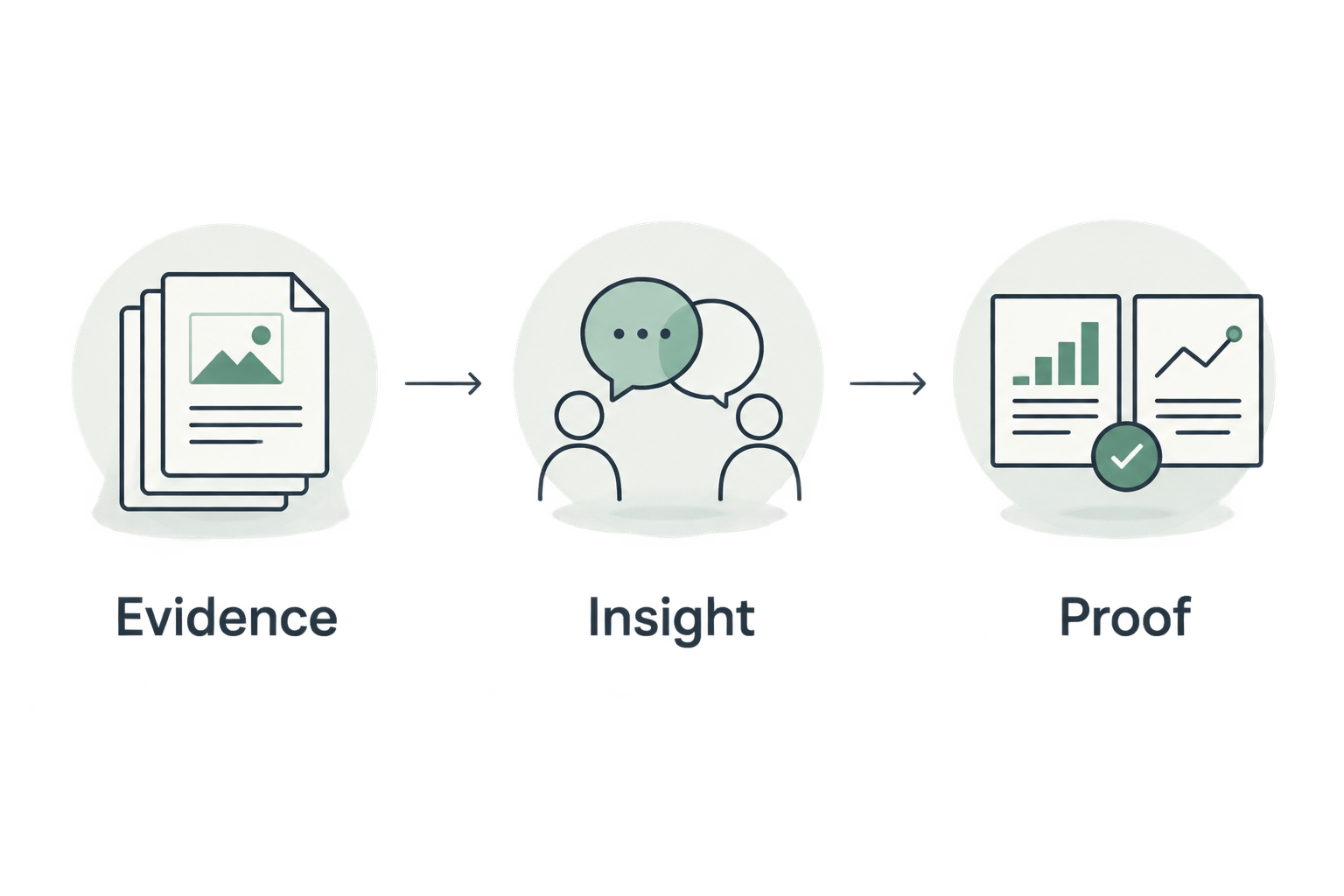
Organize the narrative around Evidence, Insight and Proof. Evidence states what ran. Insight connects it to the current decision. Proof requires a later comparison showing what changed.
Apply the MSP identity and review the claims
- Apply your MSP identity through the report experience available to your workspace. Keep technical provenance visible after branding.
- Separate operator notes from client-safe explanations. Remove internal sales speculation and unrelated account detail from the recipient's version.
- Complete 3 review passes: evidence accuracy, business interpretation and recipient suitability. These are recommended editorial gates, not claimed product settings.
- Have a person approve the final claims. Deterministic checks establish findings; explanatory assistance does not replace sign-off.
Expected result: the recipient gets an MSP-branded report whose assertions remain traceable to the underlying evidence.
SCOUTz supports white-label client-safe and operator reporting, according to the October 15, 2026 client reference. The benefit is a report addressed to the business owner under the MSP's brand; the limitation is that branding and report generation cannot decide whether a claim is appropriate for a particular recipient.
Delivery and the next commitment
Turn the report into an agreed action
- Open the meeting with the decision the recipient controls. Confirm the scope before presenting selected findings.
- Walk through the evidence, its possible consequence and its boundary. Ask the recipient to confirm intent and ownership.
- Build scope around the agreed outcome. Keep vendor selection separate from the condition being addressed.
- Record the next commitment, its owner and its date. Seek permission for any further assessment that needs additional access.
- Share the approved report through your established delivery process. Retain the reviewed version and its evidence reference.
Expected result: the report supports a recorded decision, including a decision to defer or make no change.
This follows the SCOUTz Evidence-to-Agreement Framework: Find the decision, Bring the evidence, Build the scope, Earn the next commitment. It is a conversation framework, not a validated close-rate intervention.
Illustrative dialogue, not a customer quotation:
- MSP: The dated observation shows a monitoring-only DMARC policy. Is that still the intended setting?
- Buyer: Our provider manages it. We do not want an unplanned change.
- MSP: Keep the configuration unchanged while the owner confirms the sending sources and reporting process. Would you authorize that review before considering a change?
The objection changes the proposed scope. It does not invalidate the observation or justify pressure.
Repeat the workflow after an update
For a 2026 QBR or follow-up review, reuse the approved structure and compare new evidence with the pinned baseline. Preserve the original report so the client can distinguish the earlier state from the current observation.
- Confirm that the account, affected object and check remain comparable.
- Run the authorized review again and retain the new source date.
- Classify the comparison honestly: changed condition, unchanged condition or insufficient comparable evidence.
- Explain differences in coverage before presenting differences in findings.
- Ask the owner to confirm whether the observed change meets the agreed outcome.
Expected result: the update shows what changed within assessed scope. An unread source remains unread even if it appeared in an earlier review.
The same distinction matters when preparing continuous ISO 27001 evidence: dated technical observations need a defined scope and review context before they support a wider assurance claim. A security review alone does not establish conformity with the standard.
Use the 2026 reporting year consistently across related documents, but preserve each finding's actual timestamp. Replacing a collection date with the latest report-generation date makes old evidence appear new.
Troubleshooting
The public report implies tenant coverage
Remove claims about Conditional Access, application permissions, license assignments, Intune device state and tenant sharing configuration from public-only conclusions. Add an explicit scope boundary. Seek customer-authorized internal evidence when the decision requires it.
Unknown evidence became a clean result
Restore the original evidence state and coverage limitation. Keep Unknown and Unreadable distinct from an absent control. Show declared non-reads under NOT ASSESSED THIS SCAN so the recipient can see the gap.
The branded summary is stronger than the finding
Rewrite the summary from the underlying observation. A tenant-wide permission is not proof of a malicious application, and backup software presence does not establish recoverability. Have the technical reviewer approve the corrected interpretation before delivery.
The team expects automatic PSA delivery
Keep the handoff manual unless a supported connection has been confirmed for the workspace. The October 15, 2026 reference describes ticket-ready text but places native Send to ConnectWise in planned work. Ticket-ready wording and native sending are different capabilities.
The rescan appears to prove remediation
Compare the affected object, check and coverage first. A disappeared finding can reflect changed access or unread evidence. Claim a verified change only when the comparison supports it, then distinguish that change from broader security or remediation assurances.
Customize your workflow
Keep separate report purposes for prospect discovery, proposal scoping and QBR verification. Reuse the evidence rules across all of them; change the decision, audience and requested commitment.
For discovery, prioritize questions that expose unknown ownership or intent. For proposals, turn agreed outcomes into scope and exclusions. For QBRs, compare dated observations against the pinned baseline and identify the next decision.
Join Open Beta is the primary next step for MSPs evaluating this workflow. Use the contact page to ask about beta access and the report experience relevant to your workspace. SCOUTz prepares the conversation; the relationship and sale stay yours.
FAQ
What belongs in an evidence reports white label deliverable?
Include the MSP identity, assessment scope, source, check name, run date, affected object, observation, limitations and next action. Keep interpretation separate from evidence and retain a baseline for later comparison.
Can I white-label a public-domain report as a Microsoft 365 assessment?
No. Public-domain observations cannot establish internal Microsoft 365 configuration. Customer-authorized tenant evidence needs its own scope, dates and coverage limits.
Does a Microsoft 365 review read customer emails or files?
SCOUTz Microsoft 365 evidence covers configuration and metadata, never mail, files, chats, documents or prompts. The review is read-only and makes no automatic configuration changes.
Can I automate every step of report delivery?
Use a reviewed handoff unless the specific automation is confirmed for your workspace. The client reference describes native Send to ConnectWise as planned, while ticket-ready text exists.
How do I show that a finding was fixed?
Compare a rescan with a pinned baseline using the same affected object and comparable evidence. A missing finding alone does not prove remediation when permissions or coverage changed.
Should unknown findings appear in the client report?
Keep unknown and unread evidence explicit wherever it affects the report's conclusions. Declared non-reads belong under NOT ASSESSED THIS SCAN rather than being presented as clean results.
Does a white-label security report prove compliance?
No. A white-label report presents evidence within its stated scope. Compliance conclusions require the relevant criteria, supporting evidence and appropriate review beyond the report's branding.
One last thing
Keep the original observation when a condition changes. The earlier evidence is the reference that makes later proof possible. Preserve the baseline, attach the rescan and explain the difference.