
Build a security services QBR deck around the client's decisions: what changed, what the evidence establishes, what remains unknown, and what needs approval. Attach the source, check date, affected object, and coverage limits to each finding, then close with an owner and an agreed next action. A finding alone does not establish compromise or justify a new project.
- How to build a QBR deck for a security services client: connect dated evidence to decisions, owners, and verification.
- SCOUTz suits MSPs that need dated domain and Microsoft 365 evidence for client conversations.
- Keep public-domain observations separate from customer-authorized Microsoft 365 configuration evidence.
- Show progress against a pinned baseline; keep unread evidence explicitly unknown.
How to build a QBR deck for a security services client
Use the following 8-slide outline as a starting template, not a required deck length. Keep technical records in an appendix so your client can discuss decisions without losing access to the supporting evidence.
Before drafting, check the source material for stale observations. This guide to spotting outdated findings in a security sales deck addresses the same evidence problem: an old condition cannot establish today's state.
1. State the decisions needed
Open with the choices the client needs to make. Examples include authorizing a deeper review, assigning responsibility for email authentication, or approving a defined remediation scope.
Separate decisions from updates. Completed work belongs in the deck, but an activity list does not tell the client what needs their attention. Name the decision-maker and explain what information supports the choice.
2. Define the review boundary
List the domains, tenant, evidence sources, and review dates covered. Separate public-domain observations from customer-authorized Microsoft 365 configuration and metadata.
For a QBR held in October 2026, show the actual collection dates rather than labeling everything simply October 2026. If permissions blocked a source, mark the coverage Permission limited. If a source was unreadable, preserve that evidence state and explain its effect on the conclusion.
3. Show what changed
Compare a pinned baseline with a rescan. Use 2 scan dates for each change claim, with the same check and affected object visible on both sides.
Explain any difference in coverage before describing improvement. A finding disappearing because its source was unreadable is not proof that the condition was corrected. If comparable evidence is unavailable, state that the change remains unverified.
4. Explain the conditions that need attention
Give each selected condition a compact evidence card: observation, source, date, affected object, boundary, possible consequence, and recommended outcome.
For example, a published DMARC policy requesting monitoring supports a conversation about intended enforcement and reporting. It does not establish mailbox compromise. Ask who reviews the reports and whether monitoring-only remains the intended policy before proposing a change.
5. Connect the evidence to the client's work
Explain the operational question in terms the client can answer. For email authentication, establish who owns legitimate sending services and who can approve changes affecting those services.
Keep the consequence proportionate to the evidence. A configuration observation can justify further review without an invented incident, loss forecast, or claim that the client has an unresolved problem. Record the client's explanation alongside the technical observation.
6. Present the scope choices
Show the recommended outcome before discussing a vendor. The client can choose a service, process change, project, further assessment, or no change with a documented rationale.
State what each choice includes and excludes. A domain review cannot establish tenant-wide Conditional Access coverage. A configuration review cannot prove that a backup is recoverable. Keep those boundaries visible when proposing additional work.
7. Record the agreement
Give every accepted action 1 accountable owner, a target date, and a verification method. Record deferred and declined actions separately so they do not appear as approved work.
Use the client's actual decision language. Approval to investigate is different from approval to change configuration. Your delivery team should be able to read this slide without guessing which permission the client granted.
8. Define the next proof point
Finish with how the client will know the agreed work achieved its intended configuration outcome. Identify the baseline, the check to repeat, and the evidence that will be returned.
If work agreed in October 2026 is verified in November 2026, preserve both dates. The later rescan establishes what was observed then; it does not establish uninterrupted protection between reviews.
Why this matters
A security QBR needs to explain the relationship between work performed, evidence observed, and decisions still open. A list of tickets cannot establish configuration outcomes. A configuration snapshot cannot explain everything the MSP delivered.
Separate service activity from security proof. Show completed work with its supporting service records, then use comparable assessment evidence for claims about changed conditions. This keeps the client from mistaking effort for a verified outcome.
The same discipline supports renewal conversations. The client can see what the MSP did, what changed, and which responsibilities still need agreement without a hypothetical breach story.
Keep evidence sources separate
Use a source comparison slide when your deck combines domain observations, tenant evidence, and delivery records. Each answers a different question.
| Evidence source | Best for | Strength | Limit |
|---|---|---|---|
| Public-domain observations | Reviewing published domain and email-security conditions | Establishes what was observable at the collection date | Cannot establish internal tenant controls |
| Customer-authorized Microsoft 365 evidence | Reviewing accessible configuration and metadata | Adds internal context within granted access | Permissions and licensing can limit coverage |
| Service records | Explaining agreed work and responsibility | Connects actions to owners and delivery records | Does not independently prove the resulting configuration |
| Comparable rescan | Verifying a specific observed change | Tests against a pinned baseline | Supports only the assessed objects and checks |
Keep the evidence state separate from coverage. Observed describes an evidence state. Partial describes coverage. They answer different questions and should not become interchangeable labels.
Use NOT ASSESSED THIS SCAN for declared non-reads. Do not turn a blank field into a passing result or combine different platforms into a single score.
Why QBR deck scope varies
Choose the deck's depth from the decisions and available evidence. These factors determine what belongs in the presentation:
- The client's decision: a renewal discussion and a technical change approval need different supporting detail.
- The evidence source: public-domain observations support narrower claims than authorized internal configuration evidence.
- The coverage boundary: permission-limited, license-limited, or unreadable sources leave specific questions open.
- The baseline quality: a comparable earlier scan supports change claims; an unmatched snapshot does not.
- The ownership model: client staff, the MSP, and other providers need clearly separated responsibilities.
- The agreed outcome: verification must match the work authorized, rather than imply broader security assurance.
A 2026 review should retain the original observation dates even when you update its presentation. Refresh the evidence where needed; changing the deck's date does not refresh a finding.
Turn the review into an agreed next action
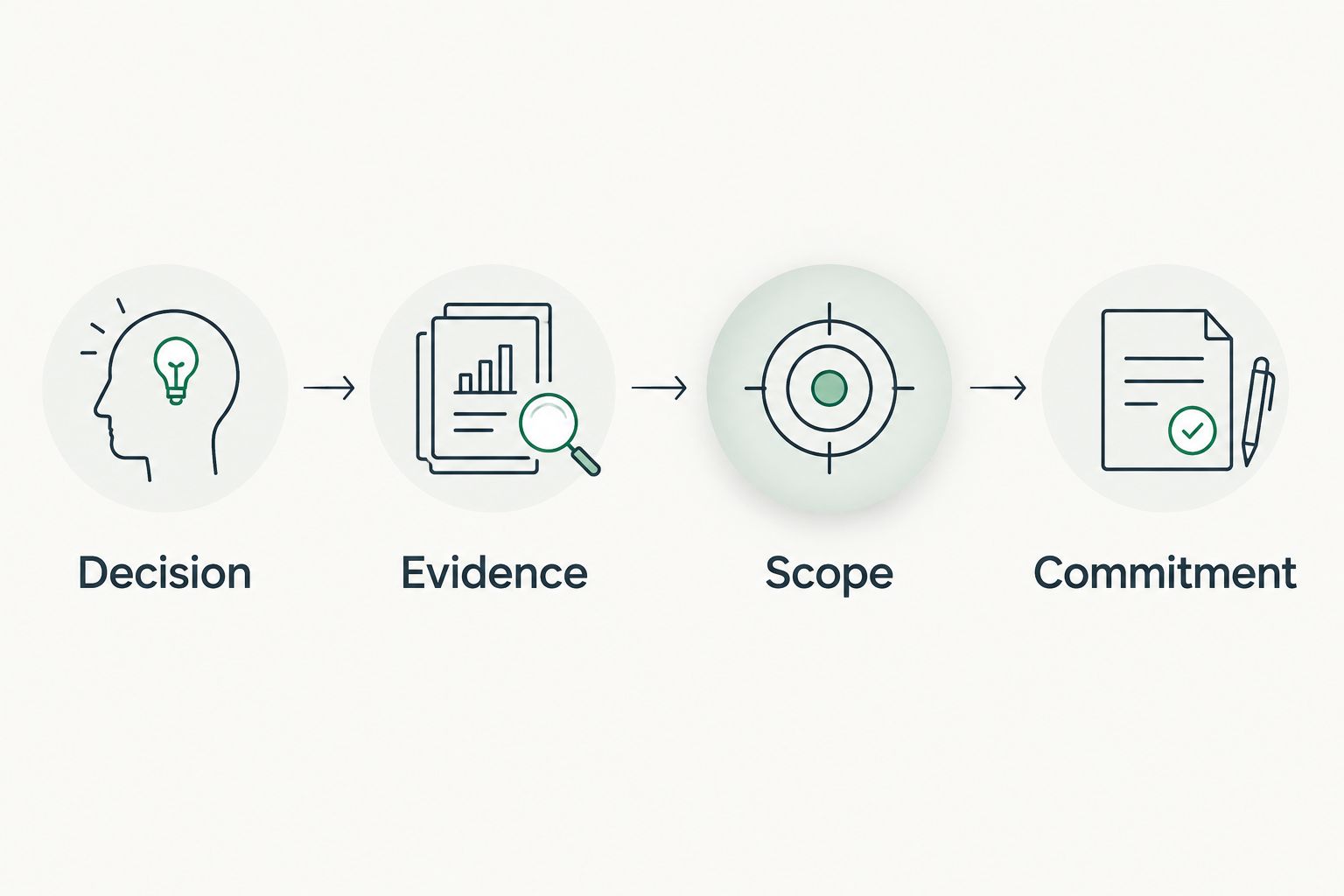
Use the SCOUTz Evidence-to-Agreement Framework to structure the conversation. It is an original conversation framework, not a validated psychological model or a proven close-rate intervention.
Find the decision
Identify the choice that belongs to the client. In the DMARC example, the immediate decision can be whether to authorize a review of legitimate senders before considering enforcement changes.
Label this part Decision in your preparation notes. Keep the proposed commitment narrow enough that the client understands exactly what they are approving.
Bring the evidence
Present the dated observation and its boundary. Label this part Evidence. Show what was read, which object it describes, and what the observation cannot establish.
Illustrative dialogue, not a customer transcript: the MSP explains that the domain publishes a monitoring-only DMARC policy. The client says that setting was intentional. The MSP records that context and asks who reviews reporting and approves any future enforcement change.
Build the scope
Label this part Scope. Translate the agreed question into work with inputs, exclusions, ownership, and a defined outcome.
Compare the choices without making the larger engagement the automatic answer:
| Scope choice | Best for | Benefit | Limitation |
|---|---|---|---|
| Document the current decision | An intentional configuration with an identified owner | Preserves rationale and responsibility | Adds no new technical evidence |
| Review legitimate senders | Clarifying email-authentication dependencies | Establishes inputs for a later change decision | Does not itself authorize enforcement changes |
| Authorize a configuration project | A client-approved outcome with sufficient supporting evidence | Defines delivery and verification responsibilities | Requires explicit scope and change approval |
Earn the next commitment
Label this part Commitment. Ask for a specific next action: permission to review, confirmation of an owner, or approval of the defined scope.
An illustrative objection is that the client already has a security provider. The response is to clarify existing responsibility and request relevant evidence with authorization. Do not assume another provider has failed because a public observation raises a question.
Your follow-up should preserve the distinction between discussion and approval. Use a short structure: observed condition and date; client's stated context; work authorized; work excluded; owner; target date; verification method. Leave any unagreed item open rather than writing it as a commitment.
Where dated review software fits
SCOUTz is best for MSPs that need dated domain and Microsoft 365 evidence for client conversations. Its role is to prepare the conversation; the relationship and the sale remain the MSP's responsibility.
According to the client-supplied product reference dated October 15, 2026, SCOUTz supports domain reviews and customer-authorized, read-only Microsoft 365 reviews. Microsoft 365 Review and Evidence Reports are labeled Open Beta in that reference. The review uses configuration and metadata, never mail, files, chats, documents, or prompts, and makes no automatic configuration changes.
That evidence can support preparation, but it cannot supply the client's business context or authorize work. Access limits remain visible, and a person signs off on the claim. For MSPs evaluating SCOUTz, the primary next step is Join Open Beta.
What should you leave out of the main deck?
Move raw exports, lengthy check descriptions, and troubleshooting detail into an appendix. Keep enough traceability on the slide for a practitioner to locate the underlying evidence.
Exclude hypothetical breach-loss calculations, unsupported compromise claims, and screenshots that imply current results without a date. If you reuse a real anonymized product capture, label it accordingly and retain its original context. Do not substitute a decorative interface for product evidence.
How do you show security improvement without overstating it?
Show improvement through comparable evidence tied to the same object and check. State what changed and what remains outside the assessment.
For example, a rescan can verify a changed published policy. It cannot prove that every legitimate sender is aligned or that the organization cannot experience an email incident. Keep the verified configuration outcome narrower than the broader security ambition.
FAQ
What should a security services QBR deck include?
Include decisions, review boundaries, dated evidence, verified changes, scope choices, owners, and the next proof point. Keep detailed technical records in an appendix.
How many slides should a security QBR have?
Use the 8-slide outline here as a starting template, not a benchmark. Adjust the deck to the client's decisions and move supporting detail into an appendix.
Can I use a public-domain scan to report Microsoft 365 security?
A public-domain scan cannot establish internal Microsoft 365 controls. Separate public observations from customer-authorized configuration evidence and state each source's limits.
How do I explain an unreadable security finding?
Mark unreadable evidence explicitly and explain which conclusion it prevents. Keep the evidence state separate from coverage, and never treat an unread source as clean.
Should I include a security score in a client QBR?
Include a score only with its source, date, scope, and interpretation boundaries. Keep platforms separate and show the underlying conditions needed for the client's decision.
Can SCOUTz replace the MSP's judgment in a QBR?
SCOUTz prepares dated evidence and account context; the MSP remains responsible for interpretation, scope, and the client relationship. It does not authorize changes or guarantee security outcomes.
What should happen after the QBR?
Send a decision record separating approved, deferred, and declined work. Assign an owner and verification method to each accepted action, then return evidence against the agreed baseline.
One last thing
A disappearing finding is not automatically a resolved finding. Before putting a green status on the deck, confirm that the source was read, the object remained in scope, and the rescan supports the change claim. That check protects the credibility of the entire review.